
Imagen | Changelog
v26.16

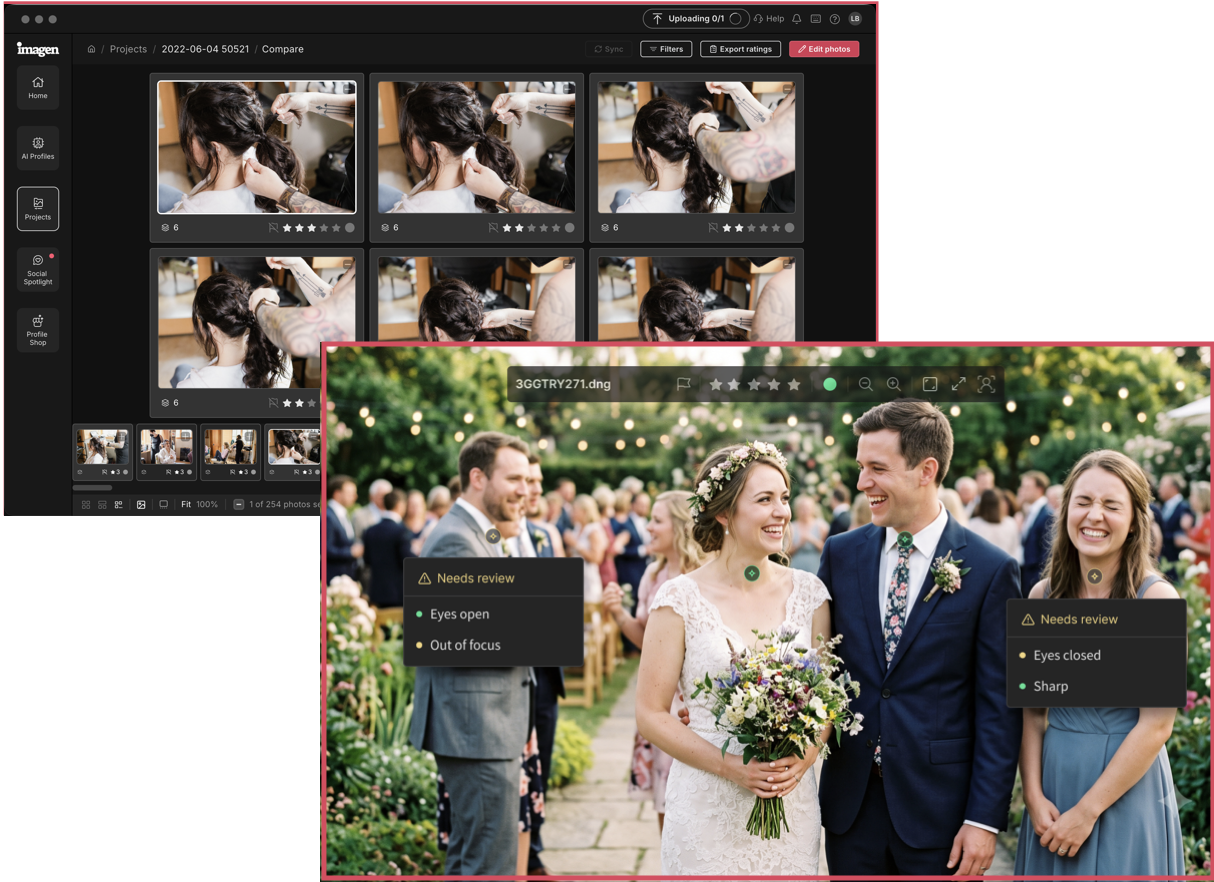
Two features you've been asking for are finally here. First, you can compare photos side by side. Zoom in, evaluate, and make your call, without switching back and forth. Also, photos with potential technical issues are marked right in the grid and loupe view. You still decide what stays and what goes, but you just have more context to do it faster. You asked, and we listened. Culling that works harder for you, starting now.
v26.15

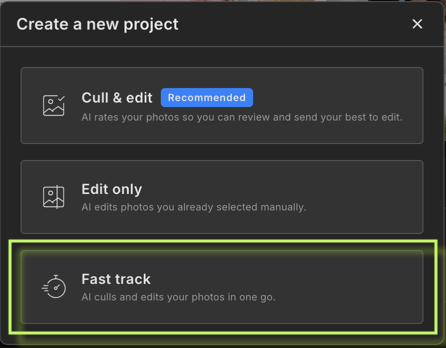
Fast track is a new project flow that combines culling and editing into a single, uninterrupted workflow. Set your preferences once, and Imagen handles the rest. You come back to a project that's edited in your style and ready to deliver.

Improvements (1)
  • Added a RAW/JPEG filter to the Profile Showcase to let you only see the profiles you need
v26.9

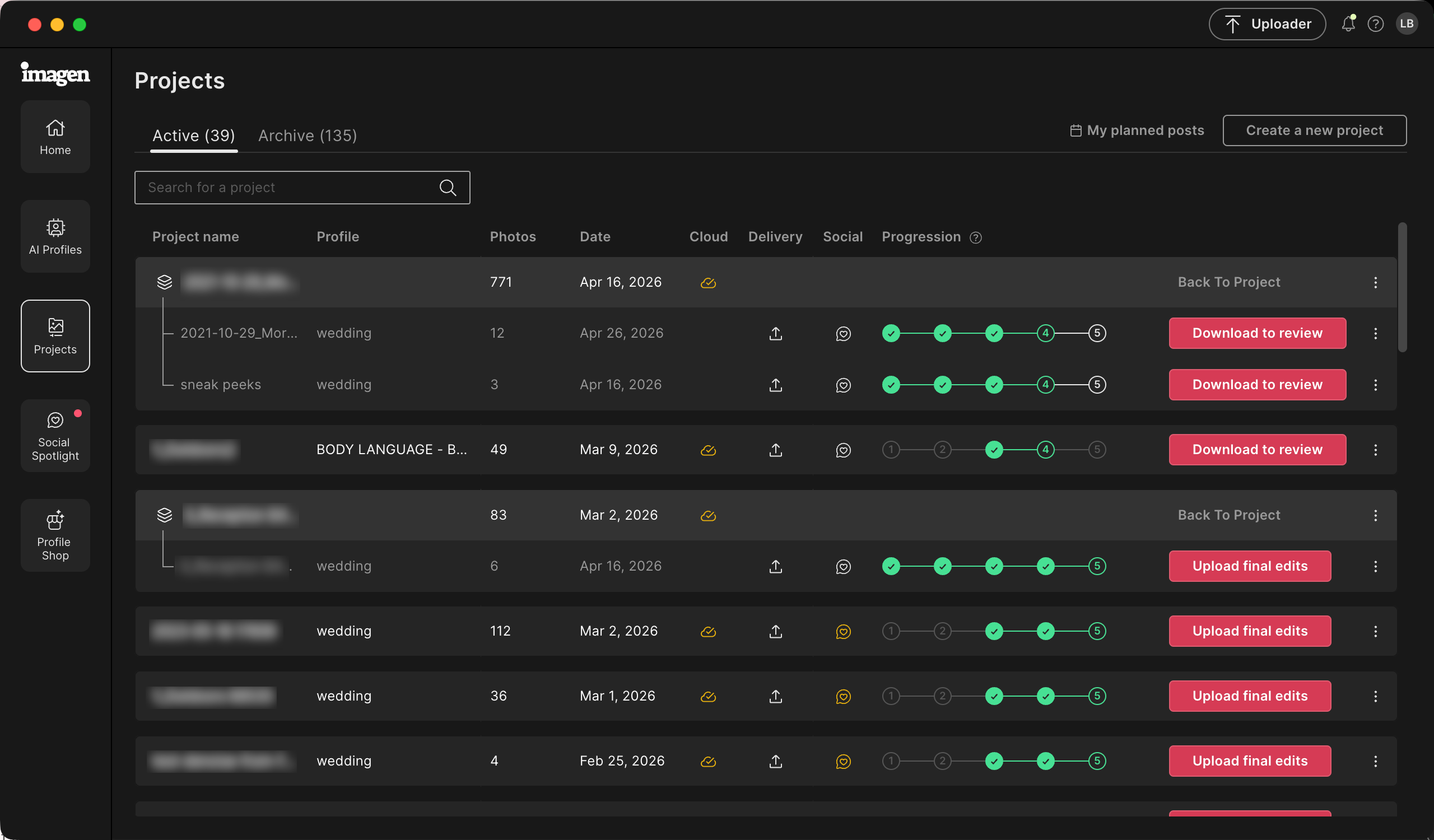
Now you can come back to the same culling project again and again to send batches of photos to edit. Every time you send a batch, the photos are labeled so you know where to start the next time. Your culling results stay organized in Culling Studio, and you edit your photos when it's best for you.

Improvements (1)
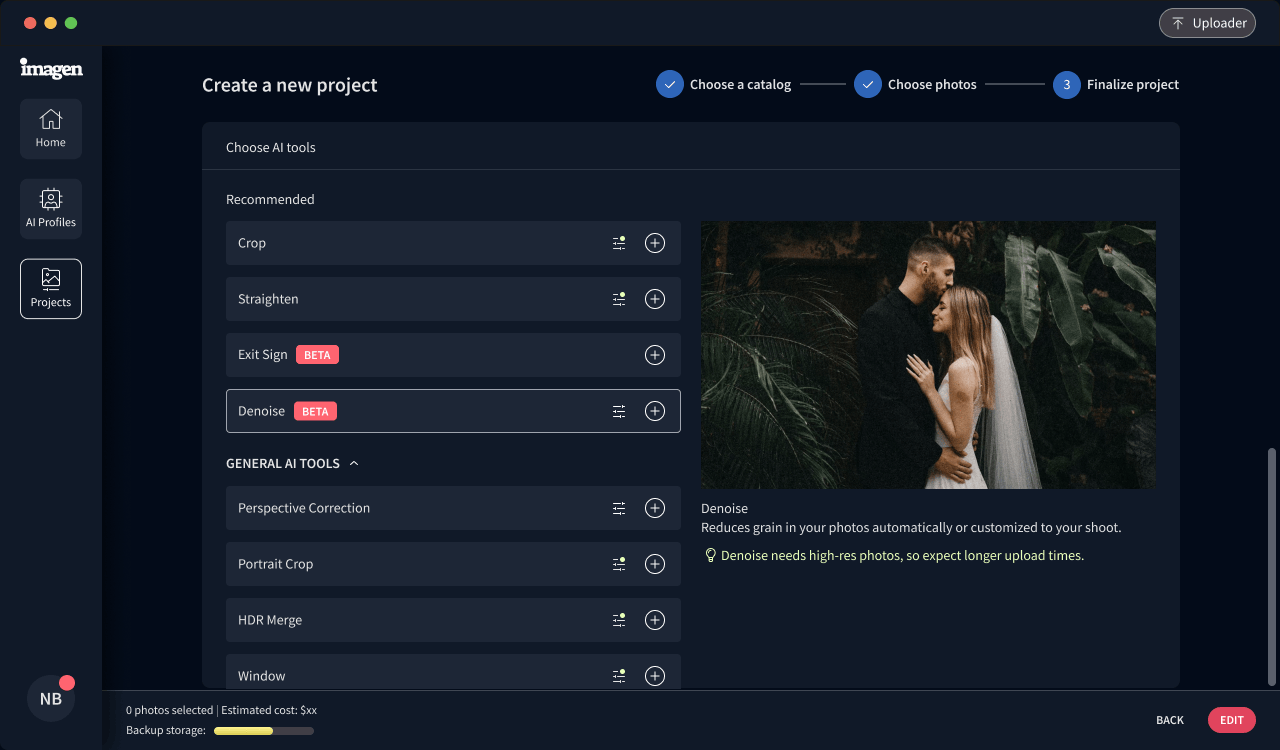
  • Denoise supports 1600 as the minimum threshold
v26.7

Now you can keep track of how many photos have Denoise or Object Removal applied to them.

Improvements (3)
  • Get a photo count for Denoise before editing
  • Get a summary of photos with Denoise or Object Removal after download
  • Social Spotlight now supports more photography types
Bug Fixes (1)
  • Fixed an issue with JPEGs to make upload even easier