
New support for Brazilian Portuguese and Korean

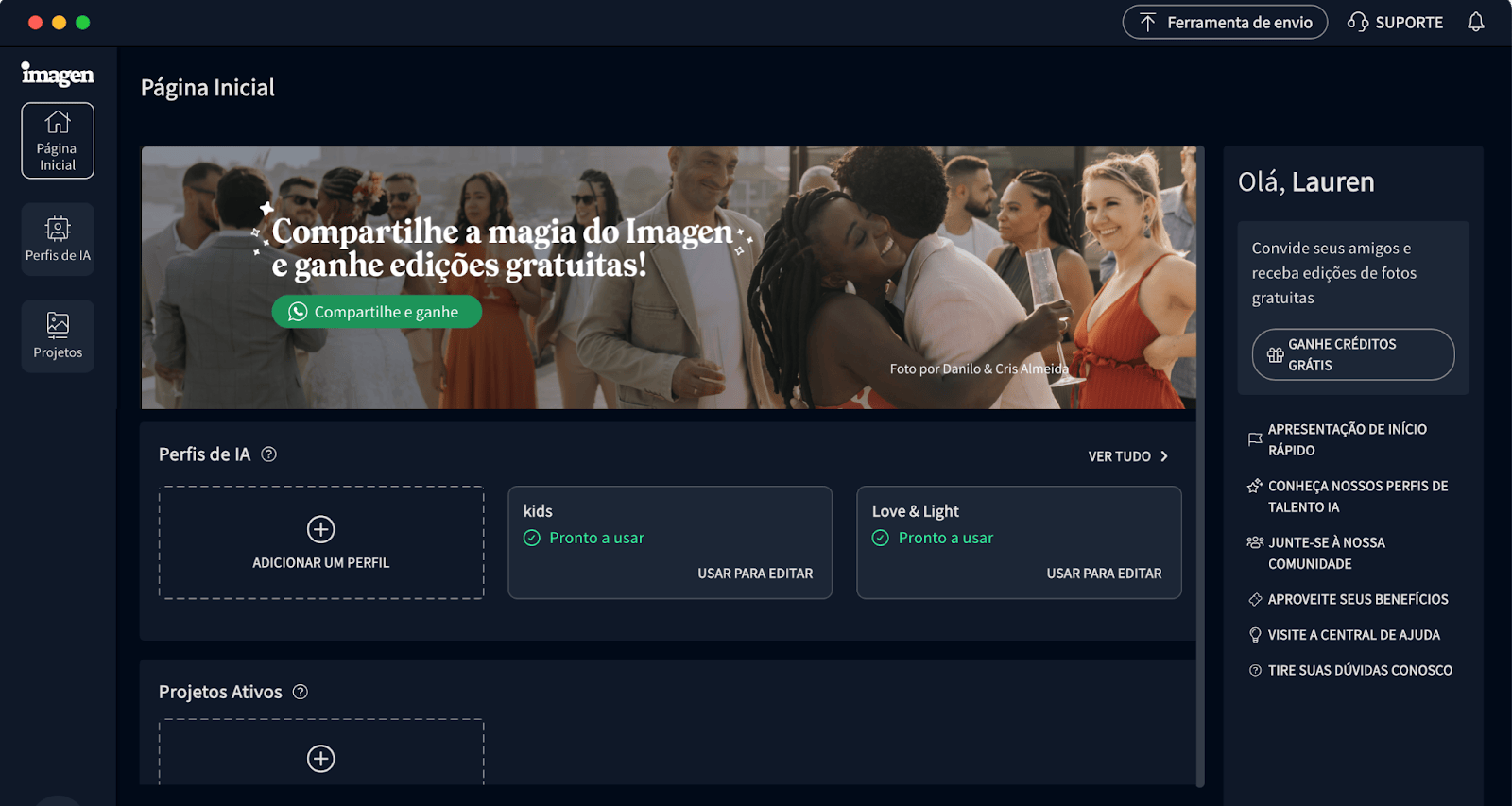
We now support Korean and Brazilian Portuguese in the Imagen app.
Welcome to Imagen. We hope you enjoy it.
Imagen에 오신 것을 환영합니다. 즐기시기 바랍니다.
Bem-vindo ao Imagen. Esperamos que você goste.
Stay up to date with the latest features, improvements, and fixes

We now support Korean and Brazilian Portuguese in the Imagen app.
Welcome to Imagen. We hope you enjoy it.
Imagen에 오신 것을 환영합니다. 즐기시기 바랍니다.
Bem-vindo ao Imagen. Esperamos que você goste.

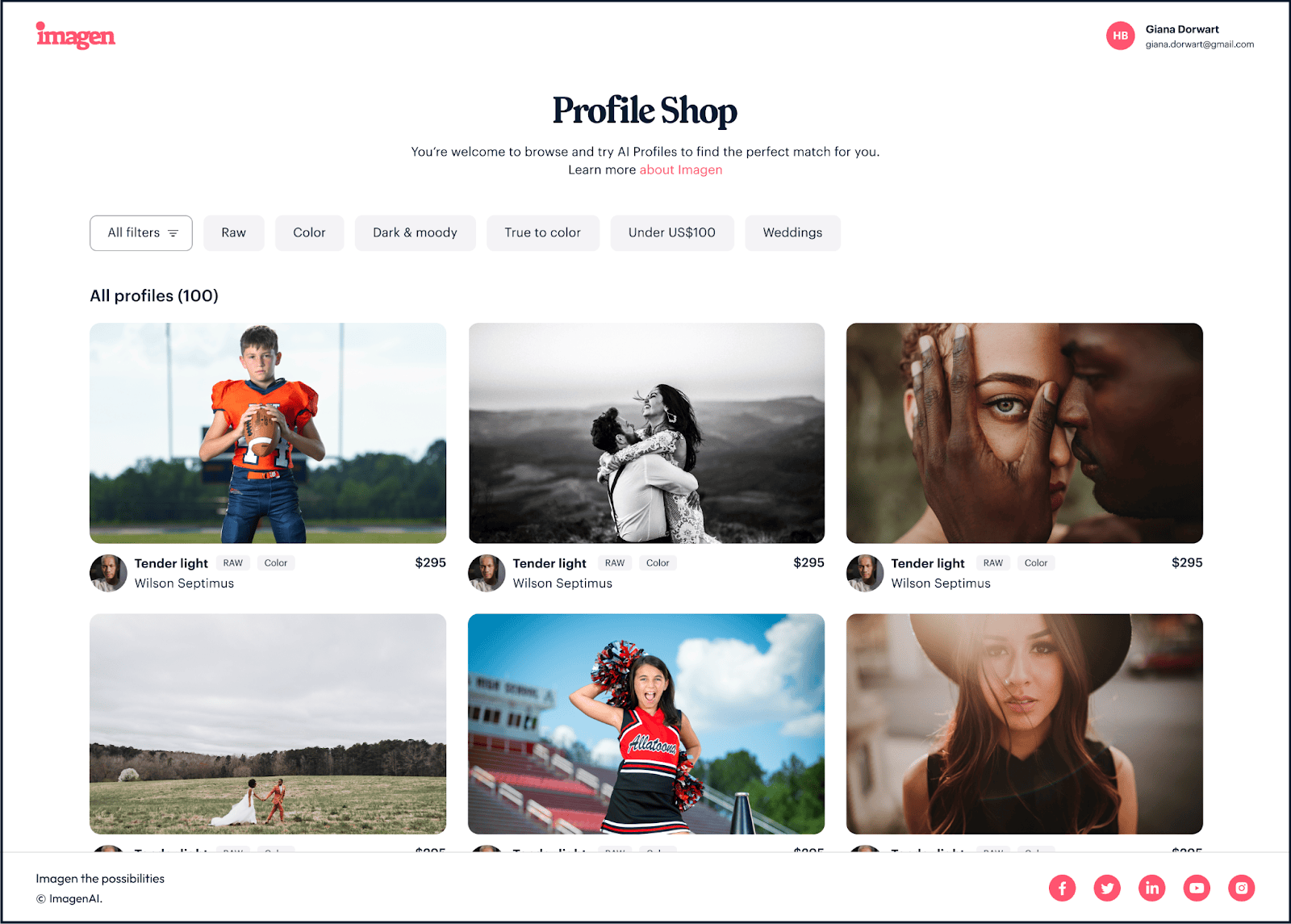
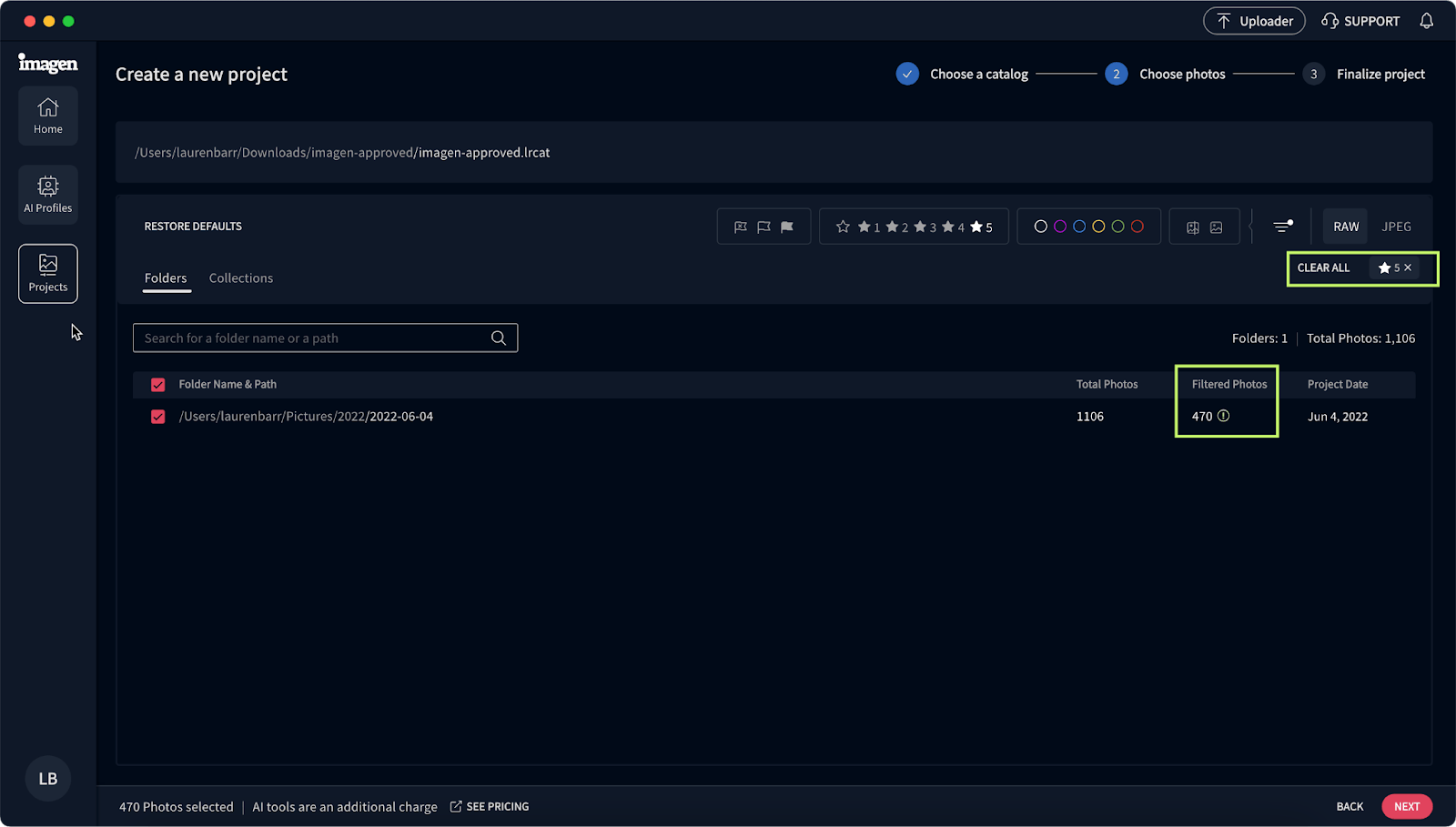
We improved our workflow to make it easier to get the best results in your projects. First, you choose your photos and their file format. Then, you choose your profile and photography type to automatically get a tailored list of AI tools for your project. Also, you'll see a GIF preview of how the AI tool works as soon as you hover over it.
More changes are on the way! Stay tuned. We're rolling out this new workflow first for Lightroom Classic users, so you might not see it yet in your Imagen app.


We're happy to announce that our Whiten Teeth AI tool is now in beta, ready for you to try for free. Use Whiten Teeth to get natural-looking white teeth in almost any scenario. Like our other AI tools, you can adjust settings in Whiten Teeth to match your style perfectly.

On the Projects page, an icon indicates that a profile was adjusted in that project. Also, after adjusting a profile, you have a list of recent projects that used that profile. You can easily download a project's edits, and your photos will automatically be updated.

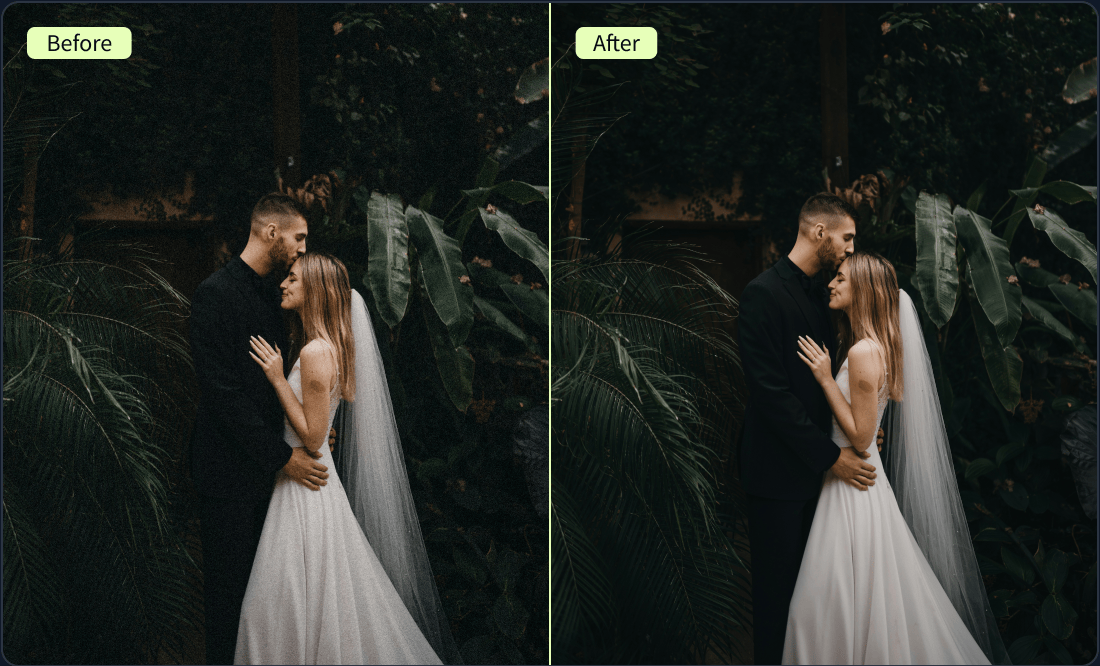
Now, when your AI Profile needs general tweaking, you can easily adjust it as part of the editing process. Remember that your changes apply to the profile and not just a specific project.
Look for the Adjust tool button when creating a new project and in the AI Profiles and Projects pages. After your AI Profile has been adjusted, the tool button changes to indicate that the AI Profile was updated.

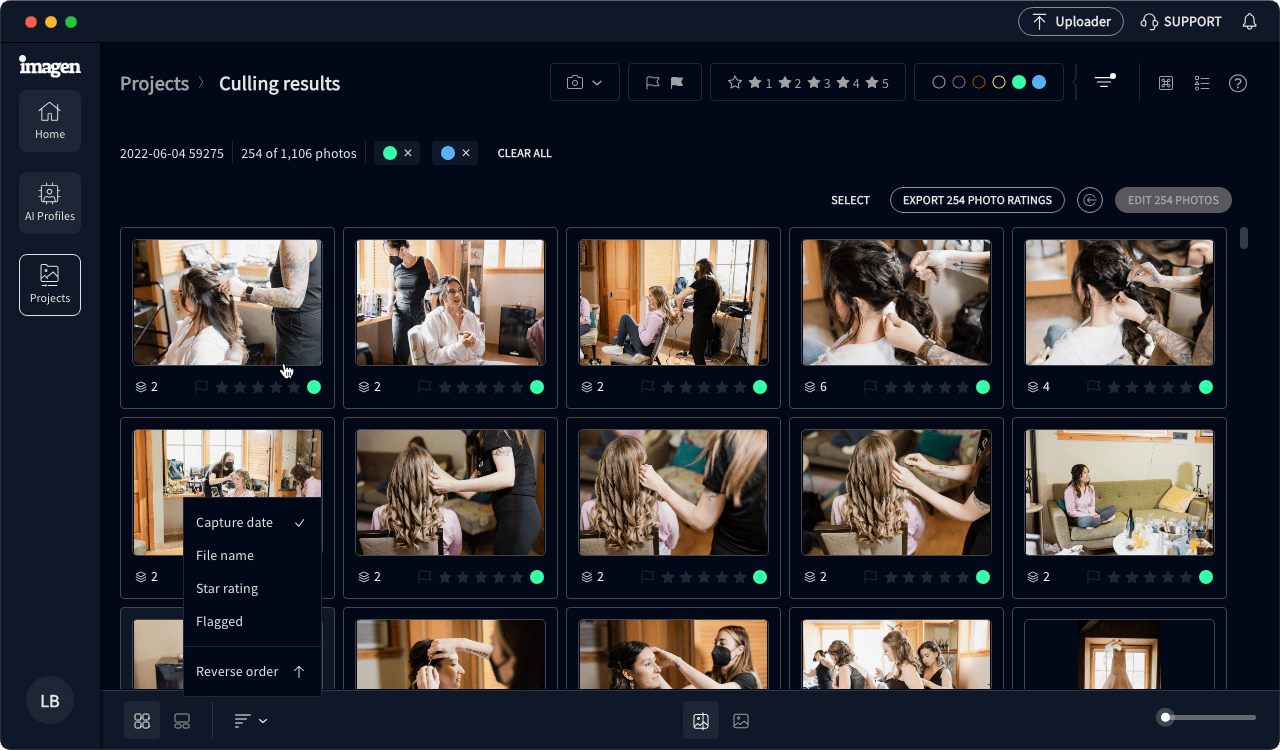
Culling Studio has a new rating category for blurry, accidentally captured, or improperly exposed photos. Add Low-rated to your culling results in the culling preferences to group these types of photos together for quick and efficient review.
Even before you subscribe, try out Culling Studio. Evaluate your best photos before culling with edited previews, and send them straight to edit. Benefit from Imagen's seamless post-production flow while still trying out Imagen.
When you cull with edited previews, you can now choose AI Profiles for JPEG photos too.

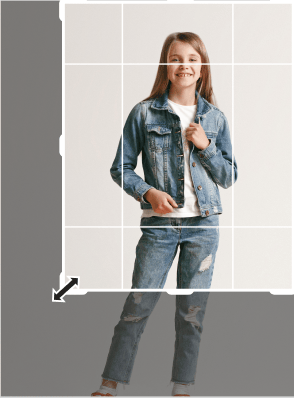
You can now set the aspect ratio for Portrait Crop to 5 x 7 and not just 4 x 5. Portrait Crop is our newest AI tool for portraits and for individual and group shots for school and sports.

We made these changes to the Profile Adjustment controls so you can now adjust your AI Profile with more control and precision: