
Even easier to pick the best AI tools for your project
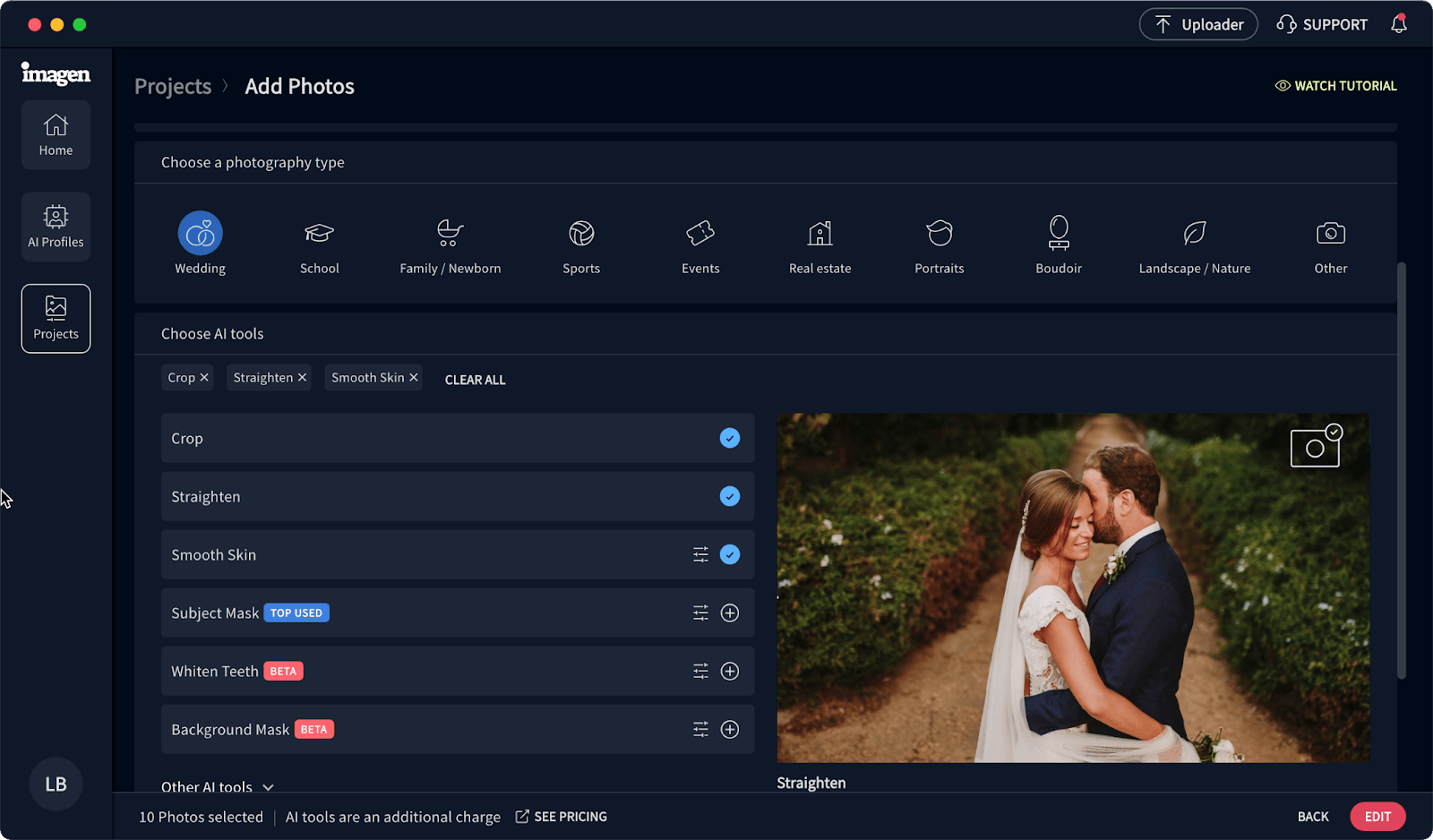
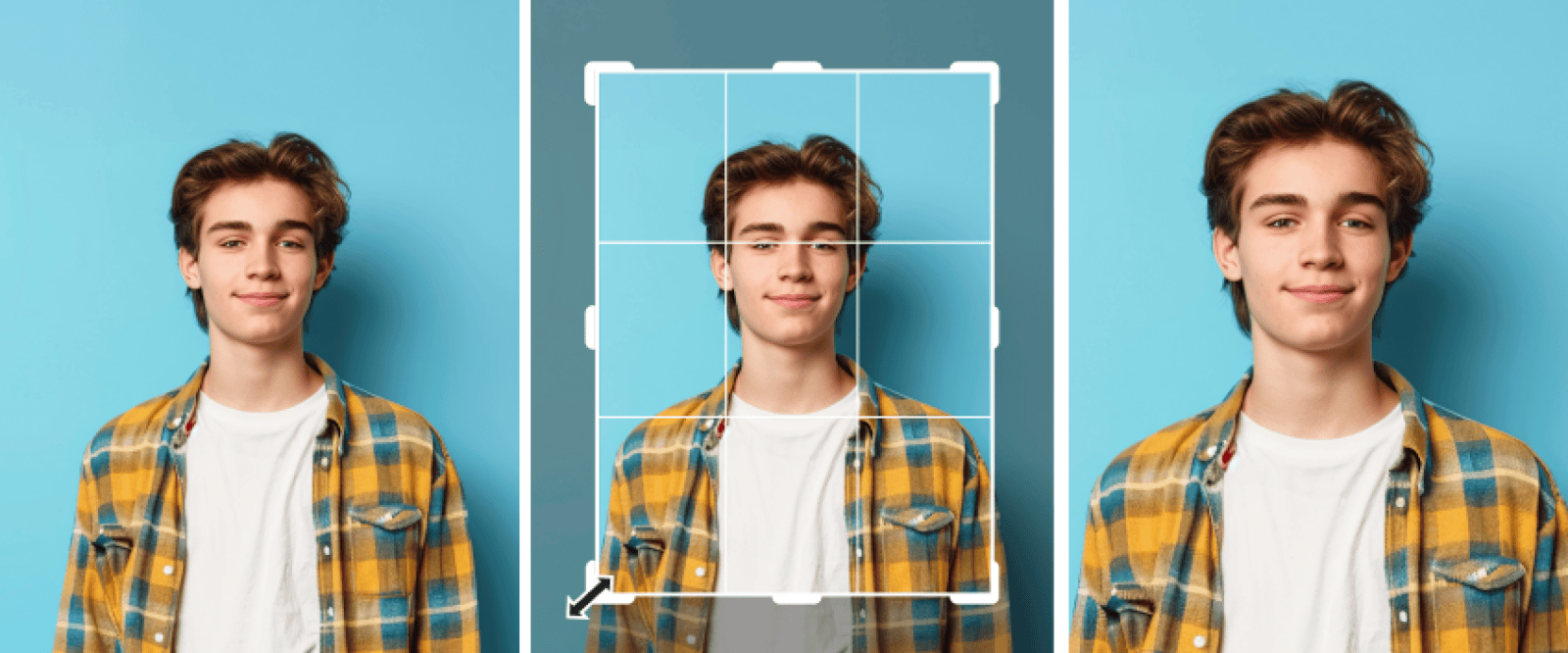
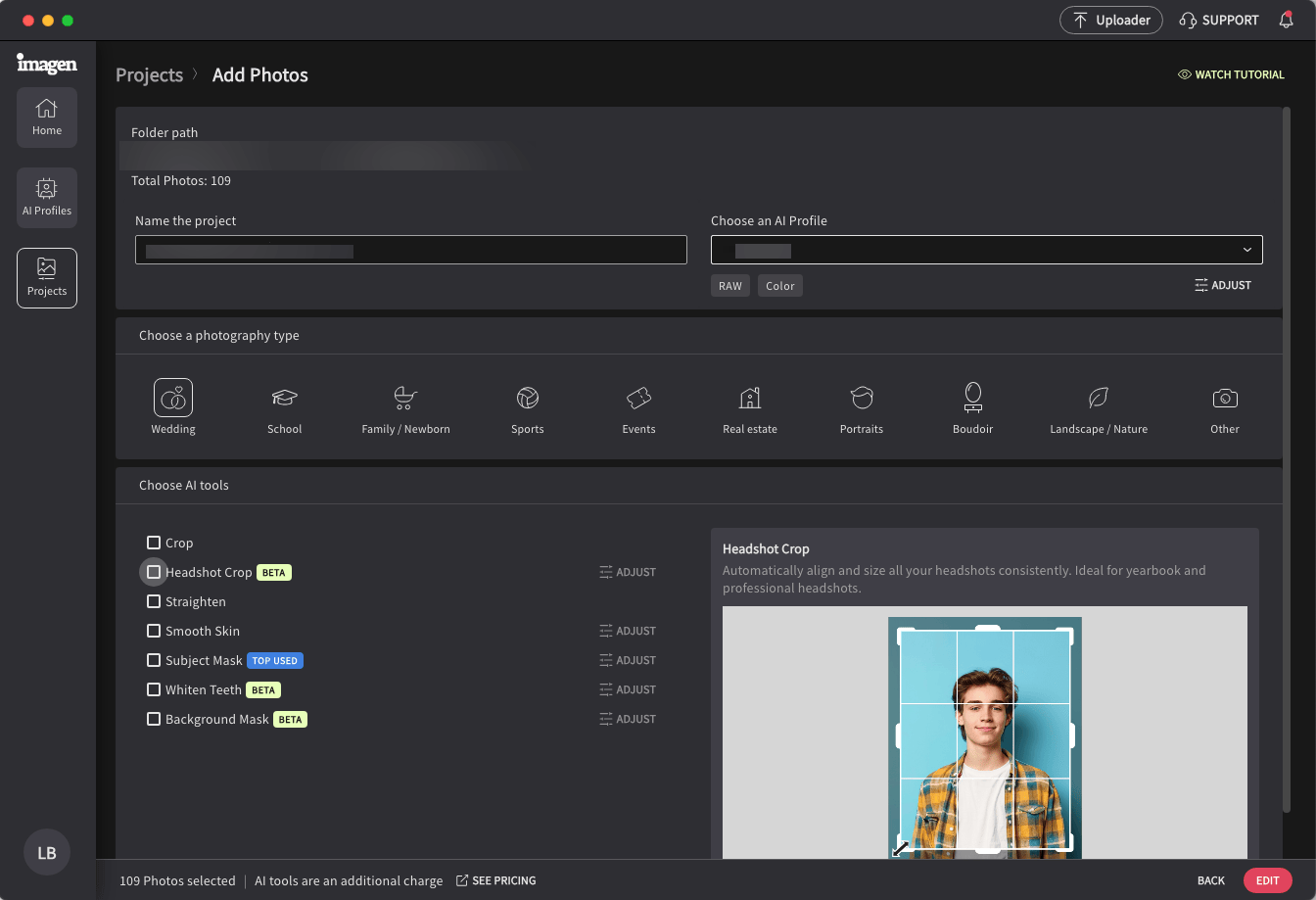
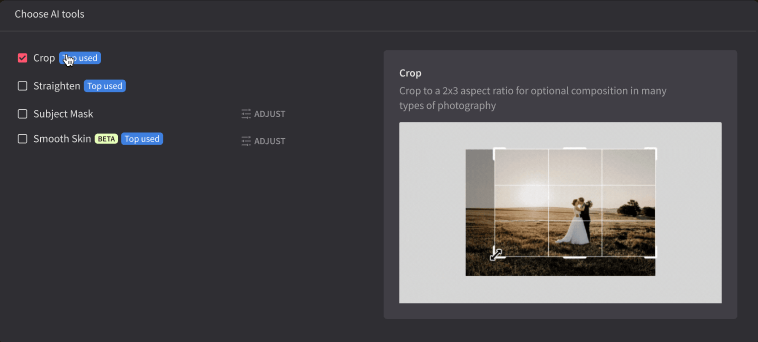
In the last few Imagen releases, we improved your workflow and made finding AI tools easier. Now, we've improved your experience so you can easily see which AI tools can't be used together in the same project and can explore all the AI tools from any photography type.
Get perfectly exposed views with Window Pull
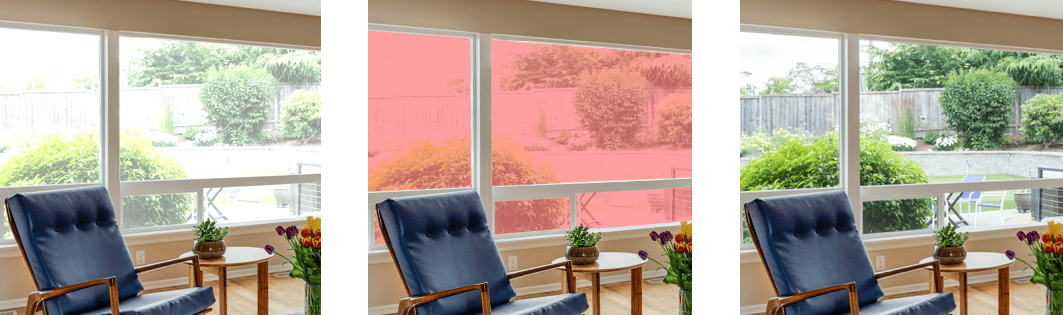
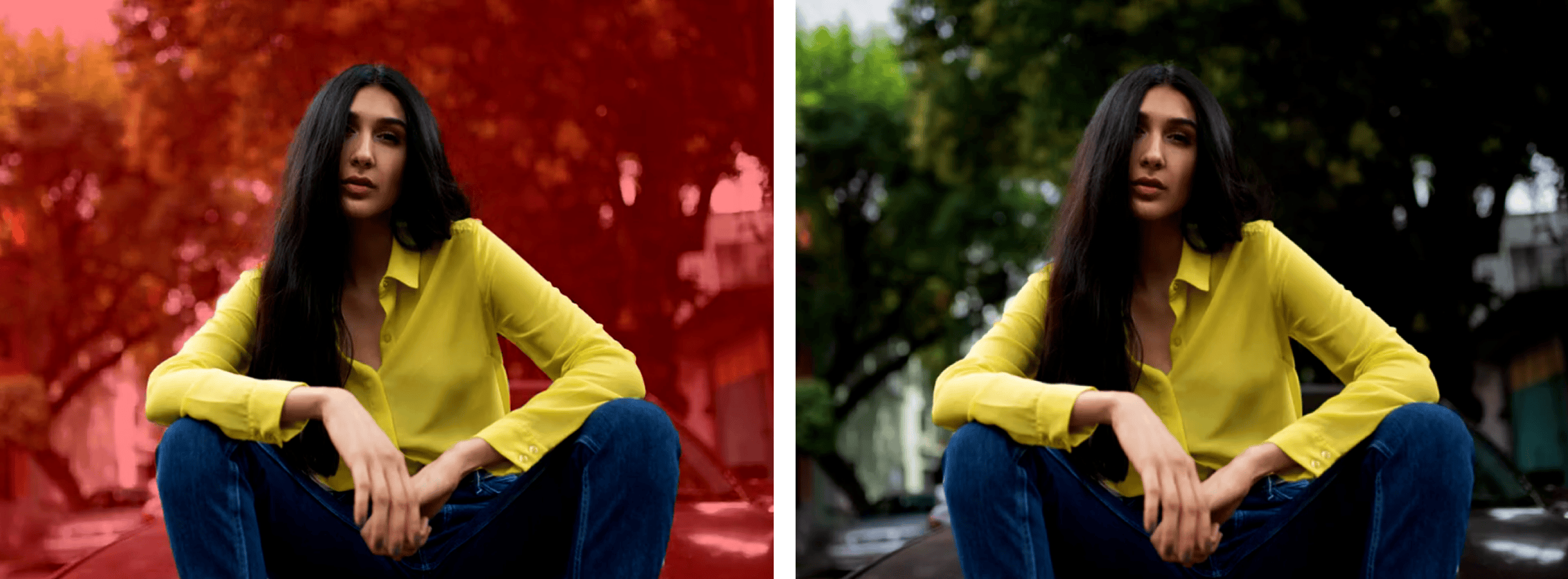
No more overexposed windows in your real estate shots. Our new Window Pull AI tool finds, masks, and edits windows for balanced interior and exterior lighting.
Rolling out a new look for Imagen
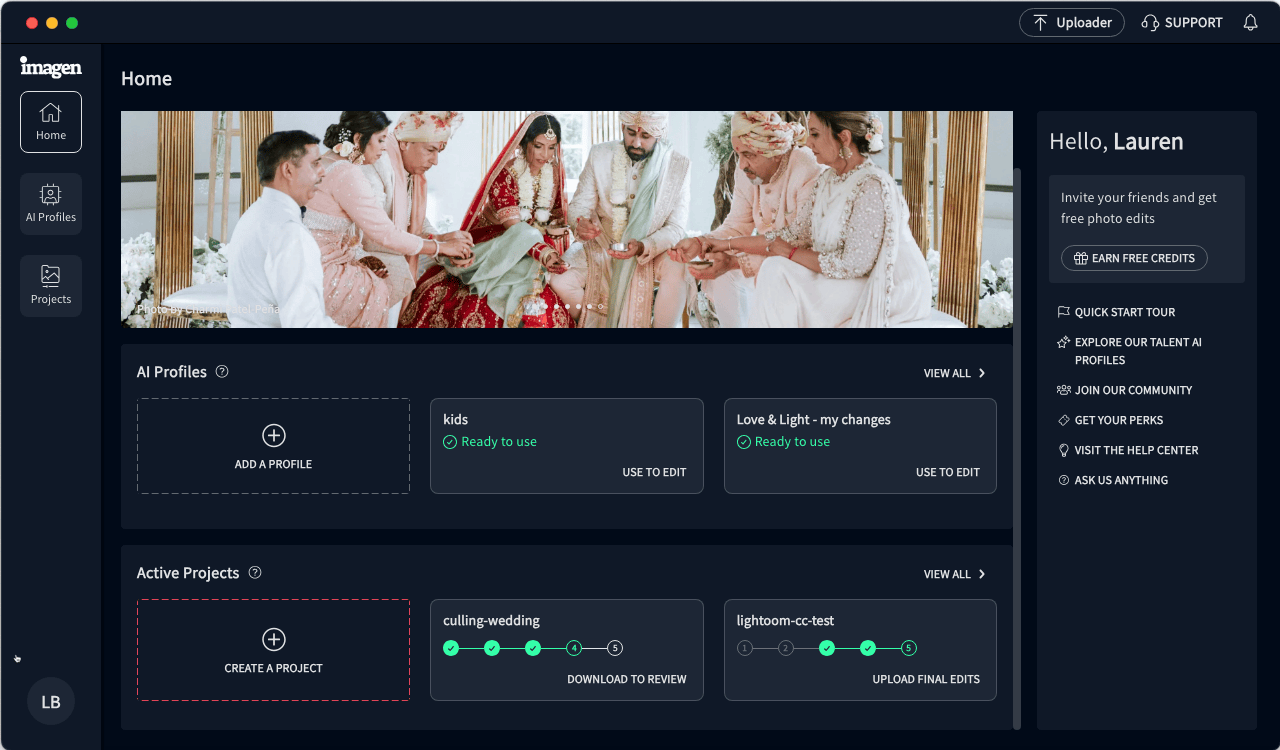
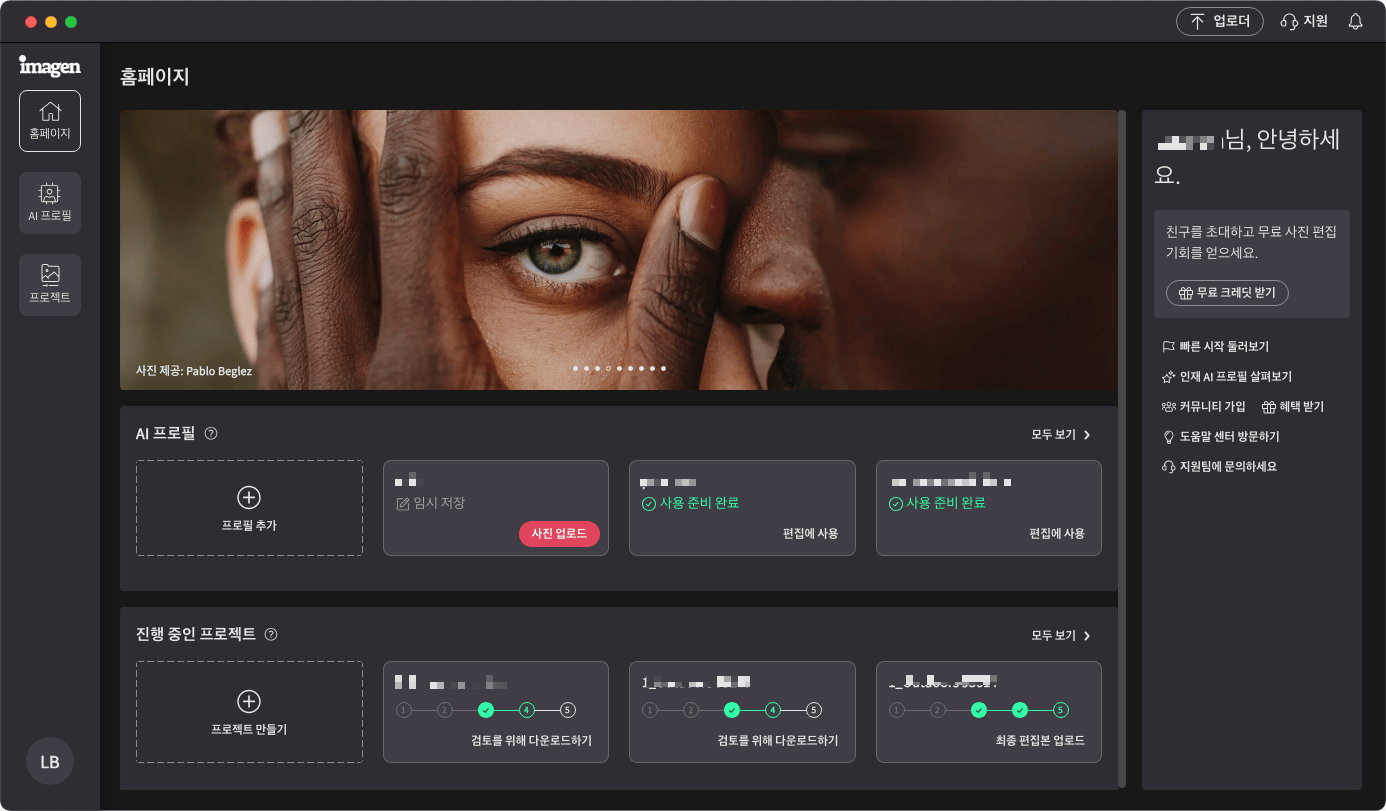
While everything is still in its familiar place, we started polishing up your workspace to make it more attractive and easier to use. The first step is changing the background color to a deep blue. Enjoy!